Problem
Codec hardware and shared passwords
AirDeck fix
Invite links
Every DJ gets their own login. Your server password stays private.
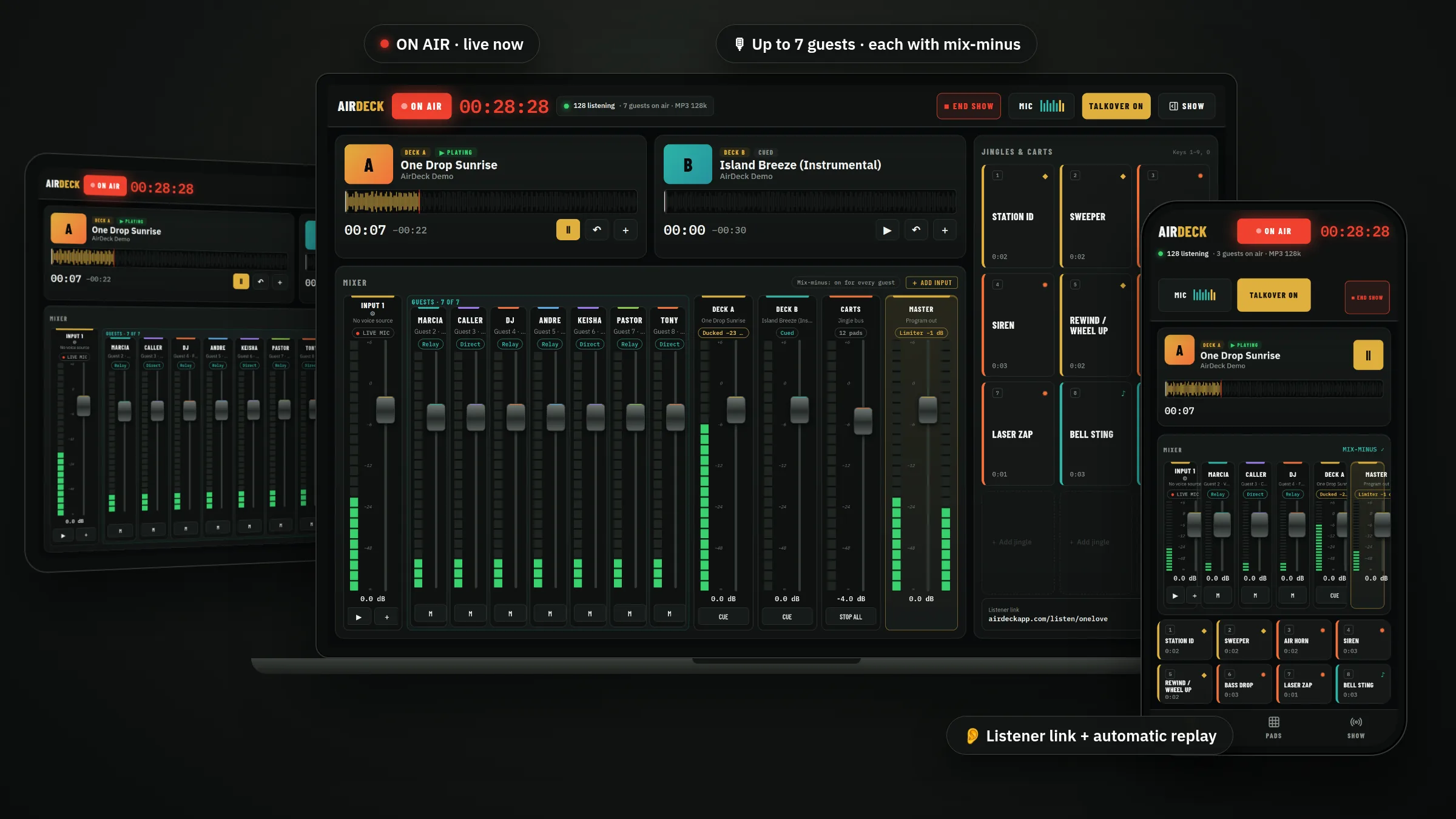
Your DJs broadcast into your station from a phone or laptop — no hardware, no shared passwords, locked to their time slots.
Every DJ gets their own login. Your server password stays private.
Set the time window. AirDeck counts down, fades cleanly, and ends on time.
Send up to 7 guests a link. Each hears the show without a delayed copy of themselves.
Test the connection, then use RadioBOSS, Icecast, Shoutcast, AzuraCast, or Radio.co.
Upload songs, jingles and IDs once. Every DJ can use them during their slot.
Listeners chat, react and request songs. Admins can pin, delete and block.
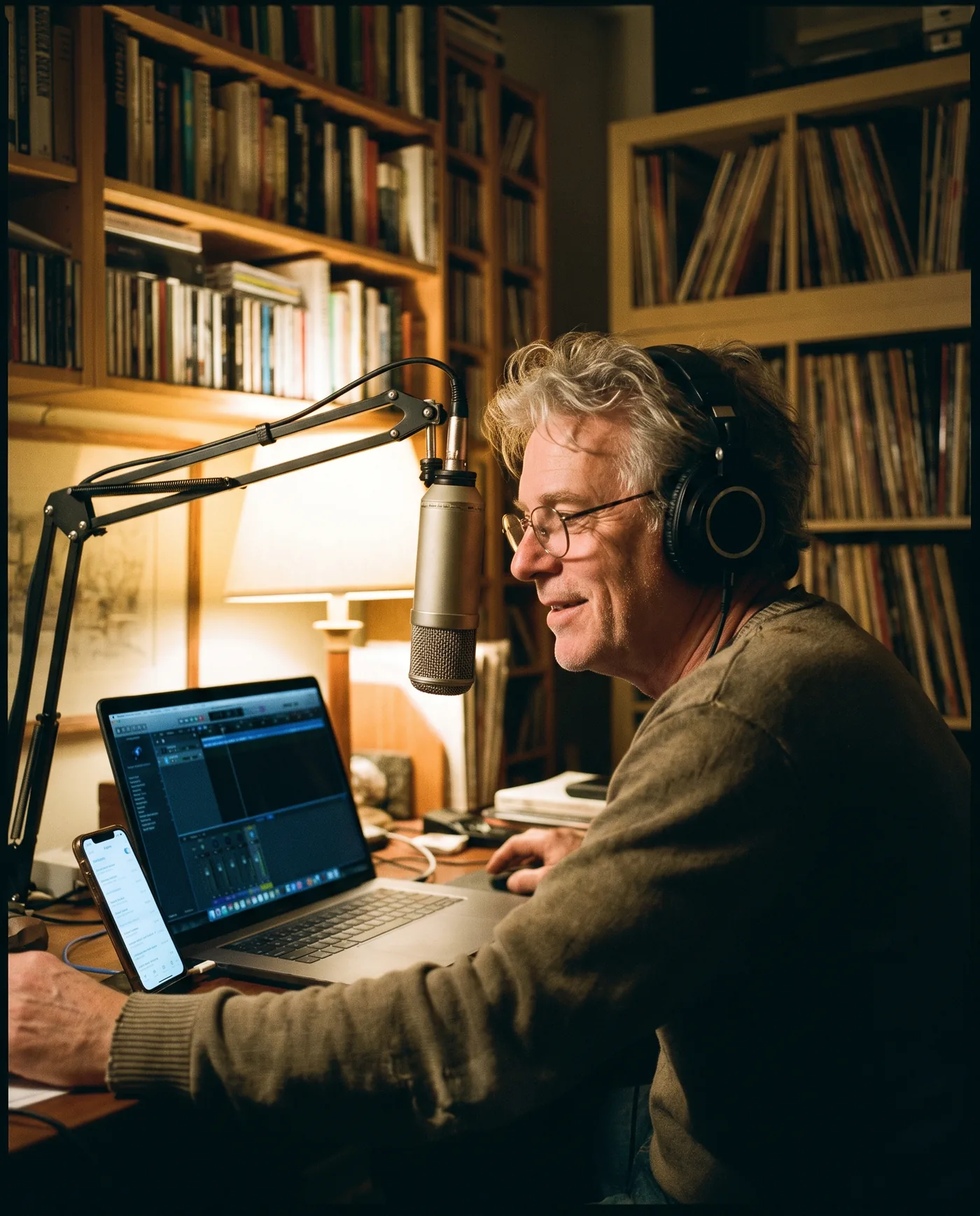
Invite each DJ with a private link and lock them to their slot. They broadcast from their own home studio — AirDeck fades them out on time.
Add the live input and use Test connection before anyone broadcasts.
Each broadcaster gets a private invitation and the schedule you choose.
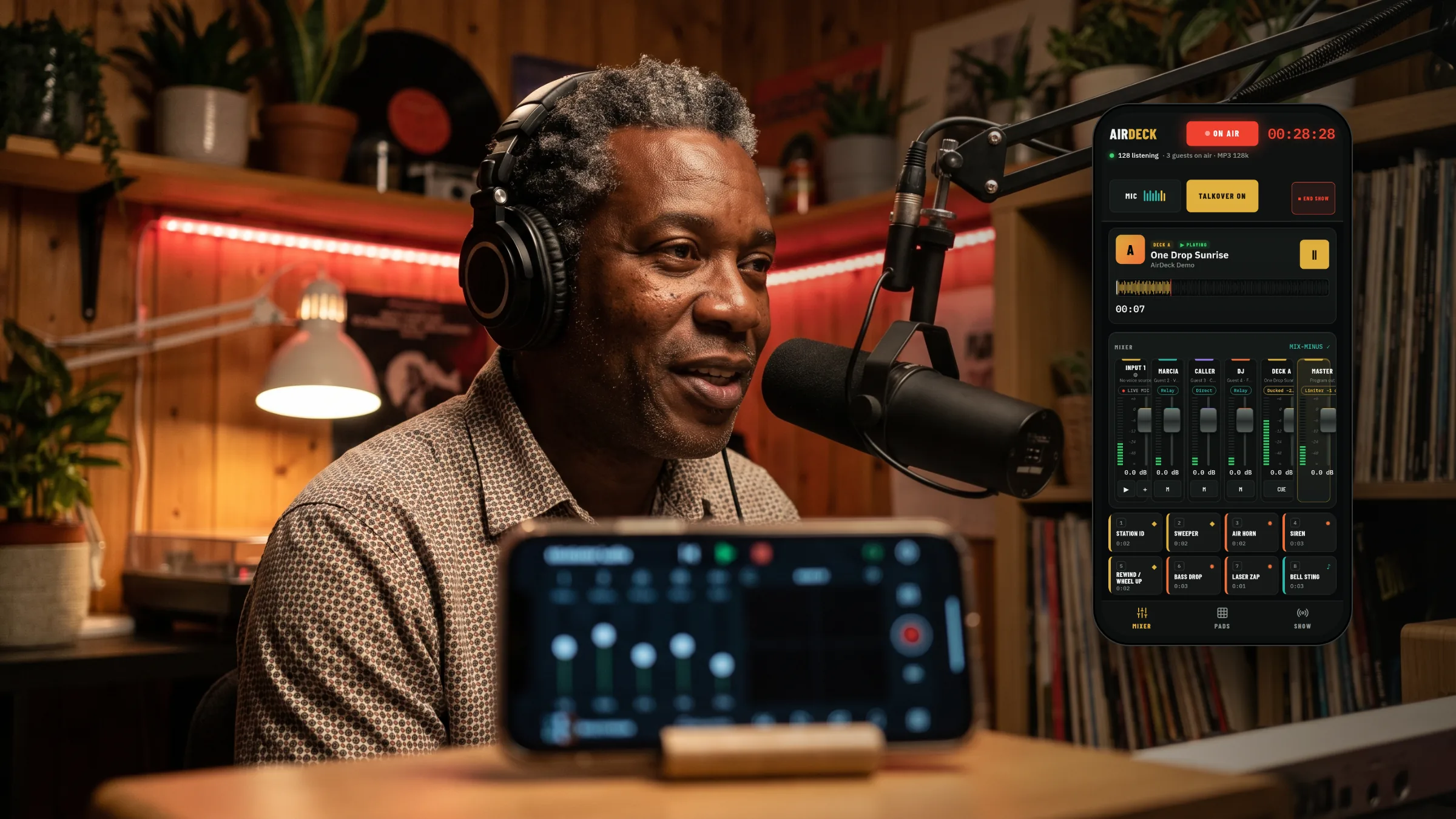
Your DJs open AirDeck on a phone or laptop. No codec or password needed.